CSDN, from the command line
A command line for CSDN (CSDN博客), China's largest developer-blog community. One pure-Go binary, no API key, no login, no request signing. Reads the hot-rank board, blog search, articles, profiles, and comments, and serves the same operations over HTTP and MCP.
csdn reads public CSDN data and prints clean, pipeable records. It needs no
API key and no login. It reads the same public web surface a logged-out browser
sees: the CSDN hot-rank board (CSDN热榜), blog search, article pages, user
profiles, and the comment threads under an article. It serves the same read
operations over HTTP (csdn serve) and MCP (csdn mcp).
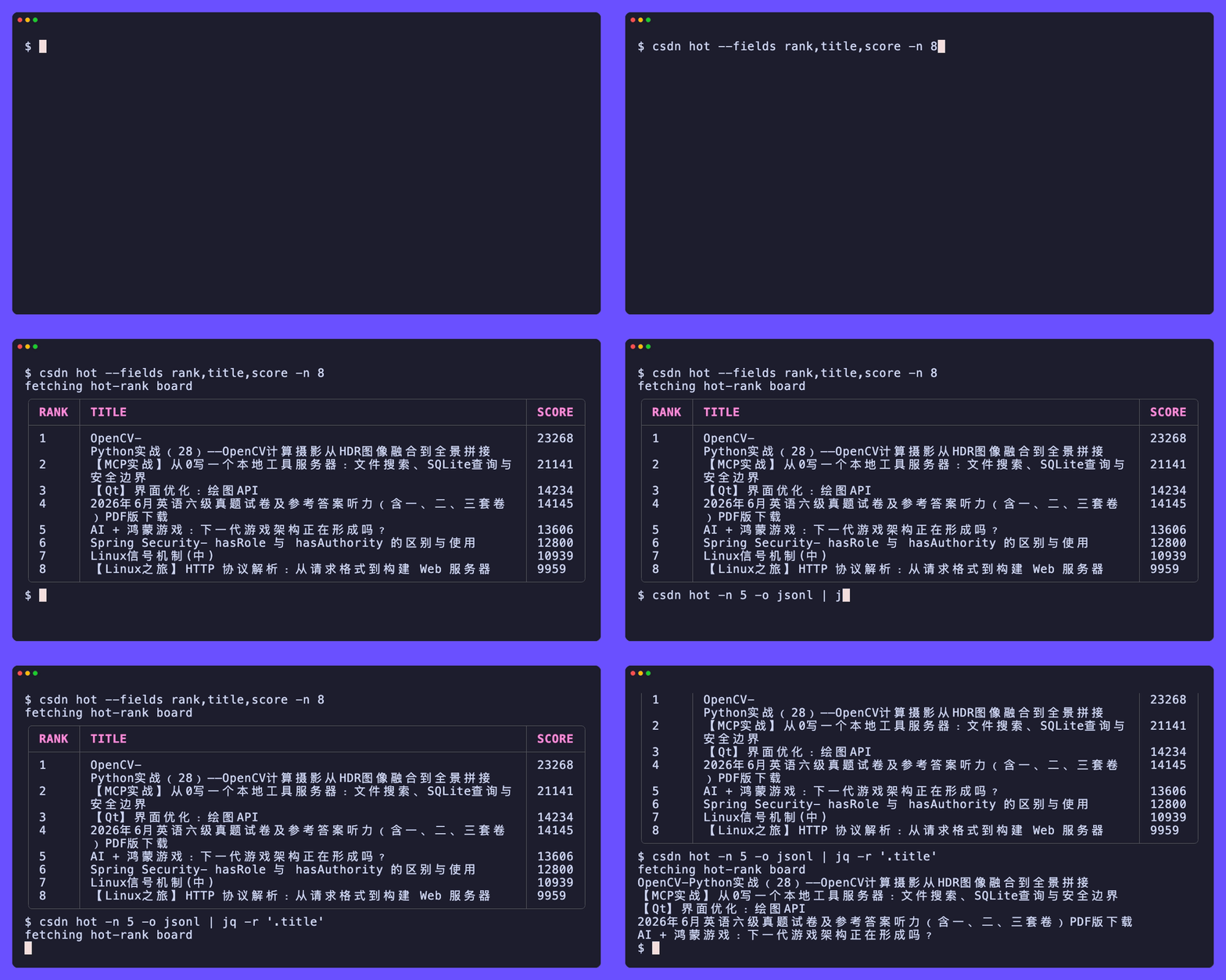
csdn hot                         # the hot-rank board, in rank order
csdn search golang -n 20         # blog search hits
csdn article LOVEmy134611/161870903   # one article with its body
csdn hot | jq -r '.title'        # JSONL when piped, ready for jq
Output is a table when you are at a terminal and JSONL when you pipe, so
csdn hot | jq works with no flags.
Unlike most of its siblings, CSDN carries no request signing anywhere. Every
read surface answers a plain anonymous GET, as long as the request carries a
full browser header set (a real Chrome User-Agent, Accept-Language: zh-CN, and
the right Referer). The one thing in the way is the anti-bot edge, which fronts
a challenge when it scores a caller as a non-browser. The tool is honest about
it: on a wall it exits cleanly (exit 4) rather than faking data or crashing.
Where to go next
- New here? Read the introduction, then the quick start.
- Installing? See installation for prebuilt binaries, packages, and one-line installers.
- Doing a specific job? The guides are task-oriented walkthroughs.
- Need every flag? The CLI reference is the full surface.